Dial in your coffee one brew at a time It learns your palate
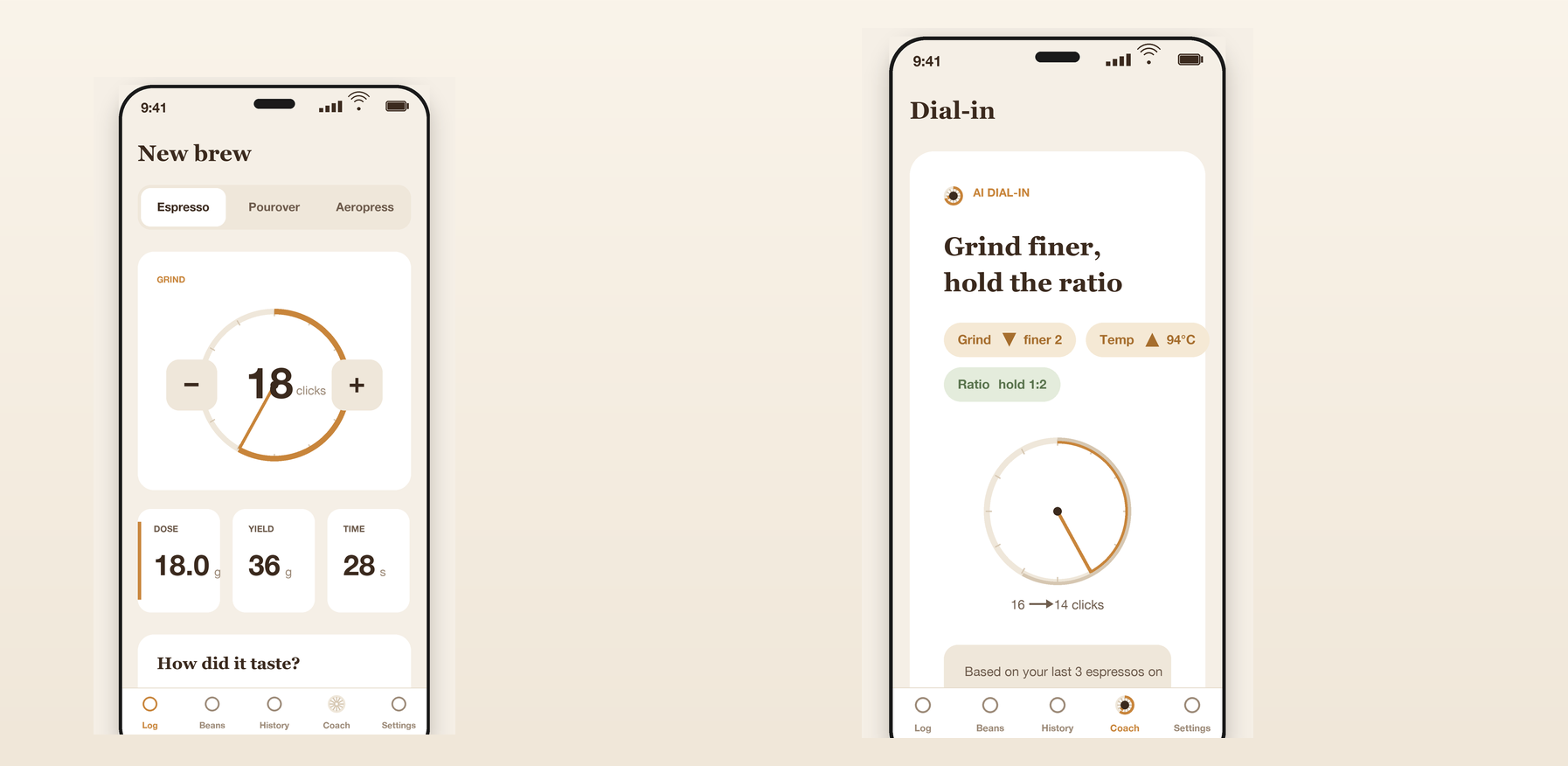
Log every brew — method, grind, dose, yield, time, temp — plus how it tasted. BrewLog reads your history for that bean and method and tells you exactly what to change next: grind finer 2 clicks, raise temp to 94°C. Better coffee with every log.
iOS 17+ · Android 8.0+ · English & Chinese
What's live today
The full log-to-dial-in loop across espresso, pourover, and aeropress
Log every brew
Method, grind, dose, yield, time, temp — plus acidity, sweetness, body, and balance taste sliders. One card captures the whole brew.
AI dial-in deltas
Grounded in your recent history for that bean and method, get concrete next-brew changes — grind finer 2 clicks, raise temp to 94°C — not vague advice.
Bag-label scan
Point at a coffee bag, snap once, and BrewLog turns the label into a structured bean draft (origin, roast date) — confirm and save, no typing.
Beans & freshness
Track your beans by roast date and see at a glance which one is in its prime and which to finish soon.
History & palate model
Every brew aggregated over time, with a palate model that sharpens as you log — the more brews, the more grounded and personal each suggestion gets.
Works offline
Keep logging even when the network is flaky; once the gateway is back, just trigger dial-in next time. Your journal is never interrupted.
One card holds the whole brew
Method, grind, dose, yield, time, temp — plus acidity, sweetness, body, and balance taste sliders. Every detail of a brew lands on one clean card. Numbers are first-class here: tabular, aligned, instantly readable.
It learns YOUR palate — sharper every log
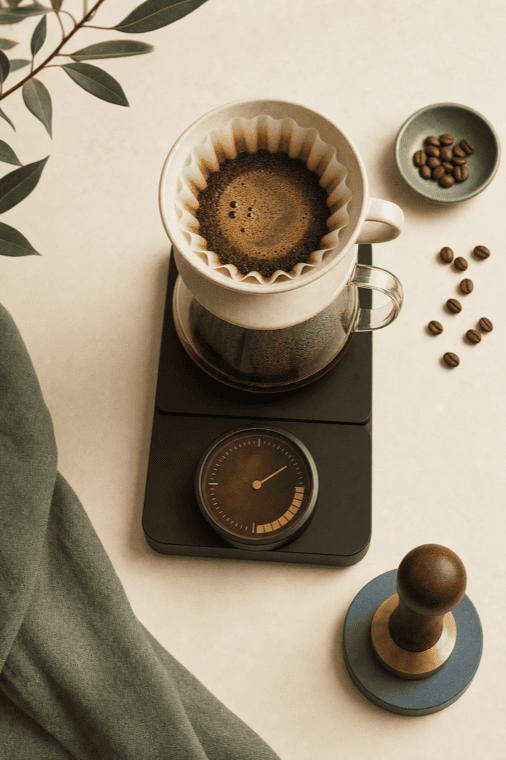
Every brew-plus-taste refines a palate model that is yours, for that bean and that method. The next suggestion is a concrete delta — grind finer 2 clicks, raise temp to 94°C — and it grows more grounded and personal with every cup you log.
Track beans by roast date, see freshness at a glance
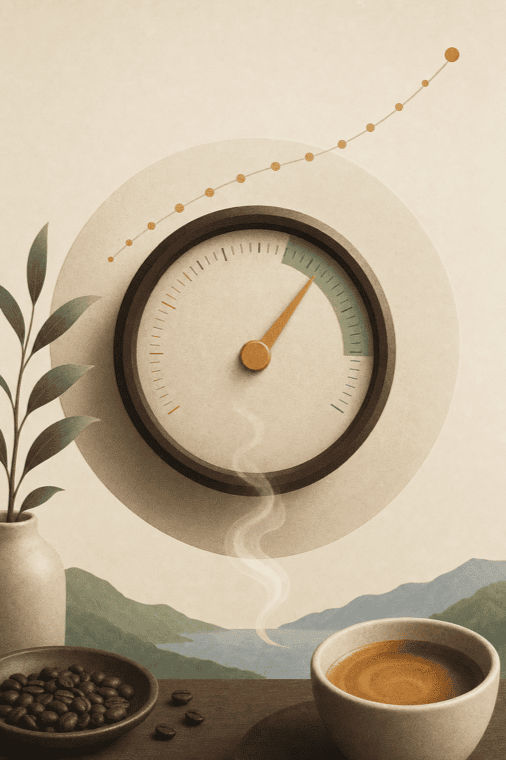
Register each bag's origin, process, roast level, and roast date; BrewLog marks which is in its prime and which to finish soon with freshness rings. Brews auto-link the bean in use and decrement its weight — turning the app into a daily tool independent of your brewing mood.
Three steps, brew to next brew
Log → taste → dial in, on repeat — sharper every time
Log this brew
Pick the method, enter grind, dose, yield, time, temp, then rate acidity, sweetness, body, and balance.
Get a dial-in delta
BrewLog reads your history for that bean and method and gives the exact parameter to change next — and why.
Brew it, log it again
Brew the next cup on the suggestion and log it. Every log makes your palate model a little more precise.
On the way
We're focused on making logging and dial-in rock solid; new capabilities go to Pro subscribers first
More brew methods
Dedicated parameter templates for more brewers and methods beyond espresso, pourover, and aeropress.
Palate trend charts
Visualize how your taste curves change over time, so you can see your dial-in trajectory and preferences.
Brew share cards
Export a great brew recipe as a polished card to share with fellow enthusiasts.
Want early access? Subscribe to Pro and you're auto-enrolled in the early-access list.
Simple, honest pricing
Subscriptions are processed by App Store / Google Play. Cancel anytime. Prices in USD.
Free
The full manual coffee journal
- Unlimited brew logging
- Acidity / sweetness / body / balance taste sliders
- Espresso, pourover & aeropress
- Beans cellar & brew history
- English & Chinese UI
Pro Monthly
Unlock the AI coach & palate model
- AI dial-in deltas on every brew
- Your personal palate model — sharpens with every log
- Vision bag-label scan
- Restock & freshness reminders
- Unlimited beans
Also available as a $59.99 Lifetime purchase — one time, yours forever.
Get startedPro Yearly
Dial in all year, best value
- Includes a 7-day free trial
- Everything in Pro
- AI dial-in deltas on every brew
- Personal palate model + bag-label scan
- Restock & freshness reminders
Frequently asked
1. How does AI dial-in work?
It analyzes the brews and taste ratings you've logged for a given bean and method and recommends concrete parameter changes for your next brew (e.g. grind finer 2 clicks, raise temp to 94°C). The more you log, the more grounded and personal the suggestions become. Suggestions are guidance — always trust your own palate.
2. Can I use it without subscribing?
Yes. The full manual coffee journal — logging brews, the taste sliders, beans cellar, and history — is free forever. AI dial-in deltas, the palate model, vision bag-label scan, and freshness reminders are Pro.
3. How do I cancel my subscription?
iOS: Settings → Apple ID → Subscriptions. Android: Play Store → Profile → Payments & subscriptions. Cancellation takes effect at the end of the current billing period; Pro stays usable until then.